
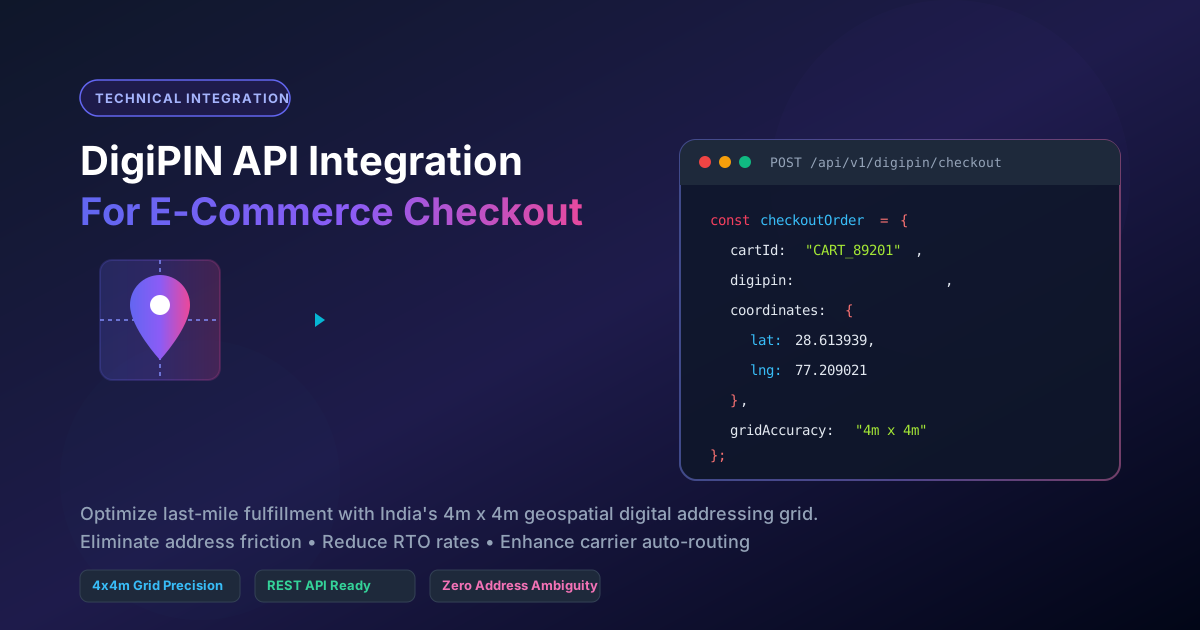
Integrating DigiPIN API into E-commerce Checkout: A Guide
Published on August 7, 2026
Quick Answer: Integrating the DigiPIN API into an e-commerce checkout allows platforms to capture a customer’s exact 4m x 4m location via a 10-digit alphanumeric code. By validating and passing DigiPIN data directly to logistics partners, merchants eliminate address ambiguity, drastically reduce Return-To-Origin (RTO) rates, and ensure seamless last-mile fulfillment.
In the fast-paced world of Indian e-commerce and logistics, last-mile delivery remains one of the most expensive and error-prone legs of the supply chain. Ambiguous address lines, mispelled landmarks, and generic postal codes often lead to failed delivery attempts, elevated Return-To-Origin (RTO) costs, and frustrated customers.
To solve this systemic challenge, India’s Department of Posts (DoP), in collaboration with IIT Hyderabad, introduced DigiPIN (Digital Postal Index Number)—a national geospatial digital addressing grid system that divides the entire Indian territory into unique 4m x 4m spatial cells.
For technical leads, solution architects, and engineering teams building e-commerce platforms or courier software, integrating the DigiPIN API directly into the checkout pipeline offers an immediate competitive advantage. This comprehensive guide walks you through the technical architecture, workflow, API payload structures, and best practices for integrating DigiPIN into your checkout ecosystem.
Technical Overview: How DigiPIN Fits into E-Commerce Workflow
Traditional address verification relies on string matching against database records or third-party geocoding services, both of which struggle with non-standardized Indian addresses. DigiPIN replaces fuzzy address strings with an exact 10-character alphanumeric coordinate (e.g., 28J-3K9-L82M).
Before diving into API integration, it helps to grasp the spatial grid infrastructure behind DigiPIN, which divides the nation into uniform, hierarchical geo-spatial units using latitude and longitude bounding boxes.
Key Checkout Benefits for Stakeholders
| Stakeholder | Key Technical Advantage |
|---|---|
| E-Commerce Merchants | Eliminates manual address verification; lowers cart drop-off due to missing landmark fields. |
| Courier Companies | Provides exact GPS coordinates for delivery agents, cutting fuel costs and navigation time. |
| Government Agencies | Standardizes digital address verification across public-private logistics networks. |
| End-Users | Faster, pinpoint deliveries to specific building gates, back doors, or rural properties. |
Architectural Workflow: DigiPIN Checkout Sequence
Integrating DigiPIN does not require scrapping your existing delivery address forms. Instead, DigiPIN acts as an enhancement layer that runs parallel to standard address inputs (Name, Street, Pincode, City, State).
[ User UI ] ---> (1. Select Location / Enter DigiPIN)
                     |
                     v
[ Front-End ] --> (2. Trigger Validation API) --> [ Merchant Backend ]
                                                         |
                                                         v
                                                [ DigiPIN API Gateway ]
                                                         |
                     v <--- (3. Return Lat/Long Grid) <--+
[ Order DB ] <--- (4. Store Address + DigiPIN + GeoCoords)
                     |
                     v
[ Courier API ] -> (5. Dispatch Package with Precise Coordinates)
Sequence Breakdown
- Interactive UI Input: The user either enters their 10-character DigiPIN manually or grants location permissions to detect their location via GPS.
- Real-time API Decoding: The front-end makes a quick async request to decode the DigiPIN into precise Latitude and Longitude coordinates.
- Validation & Reverse Geocoding: The backend verifies if the derived coordinates align with the user’s selected 6-digit Pincode/State to prevent accidental typos.
- Order Persistence: The full order record saves both traditional address fields and the precise 10-character DigiPIN string alongside geo-coordinates.
- Logistics Handshake: During order fulfillment dispatch, the DigiPIN is passed to delivery partner APIs (e.g., India Post, Delhivery, Bluedart, Shadowfax) for optimized route clustering.
Step-by-Step Technical Integration Guide
Step 1: Front-End UI Layer Enhancement
To ensure high user adoption, add a dedicated “DigiPIN or Pinpoint Location” module inside your checkout address modal.
Here is an example using native JavaScript to invoke modern browser geolocation and fetch the corresponding DigiPIN:
// Example: Capturing Browser Geolocation & Converting to DigiPIN
async function fetchUserDigiPIN() {
  if (!navigator.geolocation) {
    alert("Geolocation is not supported by your browser.");
    return;
  }

  navigator.geolocation.getCurrentPosition(async (position) => {
    const lat = position.coords.latitude;
    const lng = position.coords.longitude;

    try {
      const response = await fetch('/api/v1/digipin/encode', {
        method: 'POST',
        headers: { 'Content-Type': 'application/json' },
        body: JSON.stringify({ latitude: lat, longitude: lng })
      });

      const data = await response.json();
      if (data.success) {
        document.getElementById('digipin-input').value = data.digipin;
        console.log(`Resolution Grid Cell: ${data.gridSize}`);
      }
    } catch (error) {
      console.error("Error generating DigiPIN:", error);
    }
  });
}
Step 2: Backend API Request & Response Specification
Your backend acts as a secure bridge between your checkout client and the official DigiPIN Grid Engine API.
1. Encode Endpoint (Coordinates to DigiPIN)
- HTTP Method:
POST - Endpoint:
/api/v1/digipin/encode
Request Payload:
{
  "latitude": 28.613939,
  "longitude": 77.209021,
  "accuracy": 4.0
}
Response Payload:
{
  "status": 200,
  "success": true,
  "data": {
    "digipin": "39K-4L8-M71P",
    "bounding_box": {
      "min_lat": 28.613920,
      "max_lat": 28.613956,
      "min_lng": 77.209001,
      "max_lng": 77.209041
    },
    "district": "New Delhi",
    "state": "Delhi",
    "pincode": "110001"
  }
}
2. Decode Endpoint (DigiPIN to Coordinates)
- HTTP Method:
GET - Endpoint:
/api/v1/digipin/decode?code=39K-4L8-M71P
Response Payload:
{
  "status": 200,
  "success": true,
  "data": {
    "digipin": "39K-4L8-M71P",
    "center_point": {
      "latitude": 28.613938,
      "longitude": 77.209021
    },
    "grid_dimensions": "4m x 4m",
    "formatted_address_hint": "Connaught Place, New Delhi"
  }
}
Step 3: Node.js Backend Service Implementation
Below is a robust Node.js / Express implementation demonstrating input validation, request proxying, and caching for high-concurrency checkout applications.
const express = require('express');
const axios = require('axios');
const router = express.Router();

const DIGIPIN_BASE_URL = process.env.DIGIPIN_API_ENDPOINT || 'https://api.digipin.gov.in/v1';
const API_KEY = process.env.DIGIPIN_API_KEY;

// Regex to validate 10-character alphanumeric DigiPIN format (with optional hyphens)
const DIGIPIN_REGEX = /^[A-Z0-9]{3}-?[A-Z0-9]{3}-?[A-Z0-9]{4}$/i;

router.post('/validate-and-decode', async (req, res) => {
  try {
    const { digipin, userPincode } = req.body;

    if (!digipin || !DIGIPIN_REGEX.test(digipin)) {
      return res.status(400).json({
        success: false,
        message: 'Invalid DigiPIN format. Please enter a valid 10-digit code.'
      });
    }

    // Clean hyphen formatting for external API call
    const normalizedCode = digipin.replace(/-/g, '').toUpperCase();

    // Call DigiPIN Engine API
    const apiResponse = await axios.get(`${DIGIPIN_BASE_URL}/decode`, {
      params: { code: normalizedCode },
      headers: { 'X-Api-Key': API_KEY }
    });

    const { center_point, pincode } = apiResponse.data.data;

    // Optional cross-validation check with traditional pincode
    let pincodeMismatch = false;
    if (userPincode && pincode !== userPincode) {
      pincodeMismatch = true; // Flag for UI notification
    }

    return res.status(200).json({
      success: true,
      coordinates: center_point,
      verifiedPincode: pincode,
      pincodeMismatchWarning: pincodeMismatch
    });

  } catch (error) {
    console.error('DigiPIN Service Error:', error.message);
    return res.status(500).json({
      success: false,
      message: 'Failed to process DigiPIN address verification.'
    });
  }
});

module.exports = router;
Best Practices for Enterprise E-Commerce Deployments
- Graceful Fallbacks: Always allow traditional line-address entry if a user declines location permissions or does not know their DigiPIN. Never block checkout progression solely based on missing digital pins.
- Hyphen Formatter Sanitization: Users often input DigiPINs with varied hyphenation (e.g.,
28J3K9L82Mvs28J-3K9-L82M). Strip non-alphanumeric characters on your server before sending requests to downstream logistics platforms. - Client-Side Caching: Cache local decoded responses in
sessionStorageduring a customer’s checkout session to avoid redundant billable API calls when switching between shipping and payment screens. - Carrier API Payload Enrichment: When calling delivery partner APIs (e.g., Shiprocket, Delhivery, India Post Nodal API), append the
digipinfield alongside latitude and longitude values inside the shipping address payload to prioritize automated sorting hub processing.
Conclusion
Integrating the DigiPIN API into your e-commerce checkout workflow transforms standard addresses into mathematically precise, 4x4 meter geospatial destinations. By adopting this technology early, e-commerce brands, courier services, and enterprise platforms can dramatically lower return rates, minimize last-mile delivery friction, and deliver superior customer experiences.